AI Text to Video Generator
0 / 20000
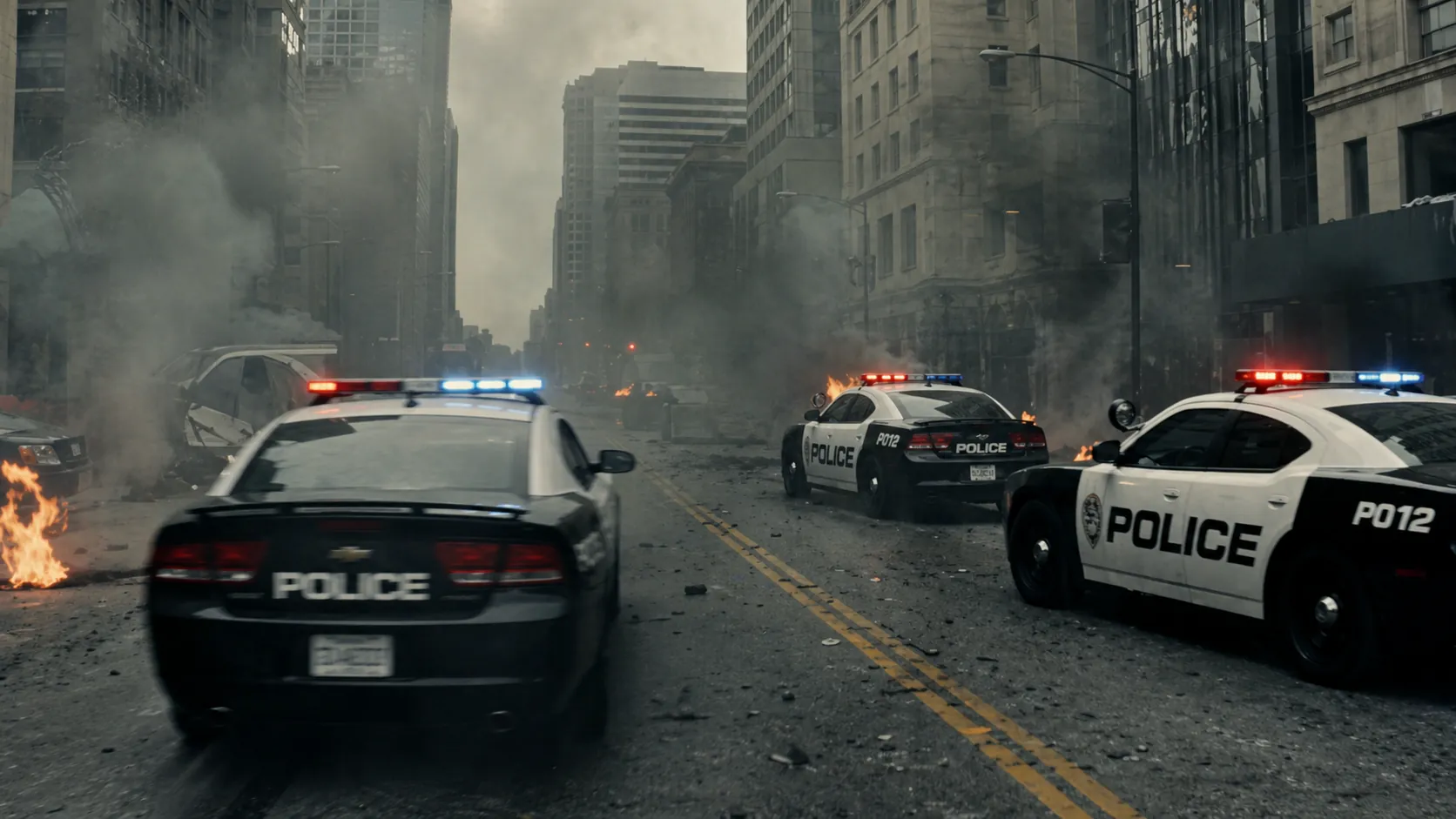
Multiple vehicles transform simultaneously into combat mechs in a city battle, opening on a wide shot of chaos, camera weaving between transforming units as parts shift and lock, then transitioning into a fast-paced tracking shot following one mech engaging enemies, explosions chaining across the environment, ending with a massive coordinated attack.
My Library
Sign in to keep your generations here
Tip: describe the subject, motion, and camera move — one clear action per clip. Draft at 480p first, then re-render the winner at a higher resolution.
AI Video Generator — Text to Video
Describe a shot and generate a video with the frontier video models — Veo 3.1, Kling 3.0, Seedance 2.5, Wan 3.0 and HappyHorse. Cinematic motion, native AI audio and up to 4K output from a single prompt.
Video models
Credits scale with resolution and duration — draft cheap, render the winner in HD.
| Model | Developer | Best for | Credits |
|---|---|---|---|
| Veo 3.1 | Cinematic video with native AI audio | 36–39 | |
| Kling 3.0 | Kuaishou | Best human motion, multi-shot director | 36–255 |
| Seedance 2.5 | ByteDance | Flagship motion + audio, up to 30s | 84–1425 |
| Wan 3.0 | Alibaba | Consistent storytelling, multimodal control | 20–300 |
| Seedance 2 Fast | ByteDance | Quick drafts for motion ideas | 42–225 |
| HappyHorse 1.0 | Alibaba | Text, image and reference video in one | 66–270 |
Describe the shot
Subject, motion and camera move — "a drone pulls back over a neon harbor at dusk". One clear action per clip works best.
Pick a model and settings
Choose duration, aspect ratio and resolution. Draft at 480p to explore ideas cheaply, then re-render the winner in HD.
Download the clip
Finished videos land in your library with the prompt and settings attached — download, reuse or share to the gallery.
Frequently asked questions
What is a text-to-video AI generator?
It turns a written scene description into a video clip. Images 2.5 gives you Veo, Kling, Seedance, Wan and HappyHorse behind one panel — describe the shot and pick a model.
How long are the videos?
Most models generate 4–15 second clips; Seedance supports up to 30 seconds with native audio. Duration, resolution and audio options are shown per model.
What does a video cost?
Credits scale with model, resolution and duration — from around 20 credits for a short draft to a few hundred for long HD renders. The exact cost is always shown before you generate, and failed jobs refund automatically.
Do the videos include audio?
Several models generate synchronized audio natively — Veo 3.1 produces dialogue, sound effects and atmosphere; Seedance and Kling support audio-visual generation in a single pass.
Can I use the videos commercially?
Yes — clips you generate are yours to use in personal and commercial projects, including ads and social content.
Any tips for better results?
Describe one clear action per clip, name the camera move, and keep the subject simple. Draft at 480p, then re-render the best take at higher resolution.
Ready to roll?
Write your shot above — or animate a still image instead.
Used for social clips, ad creatives, storyboards, music visuals and product demos.