AI Text to Image Generator
0 / 5000
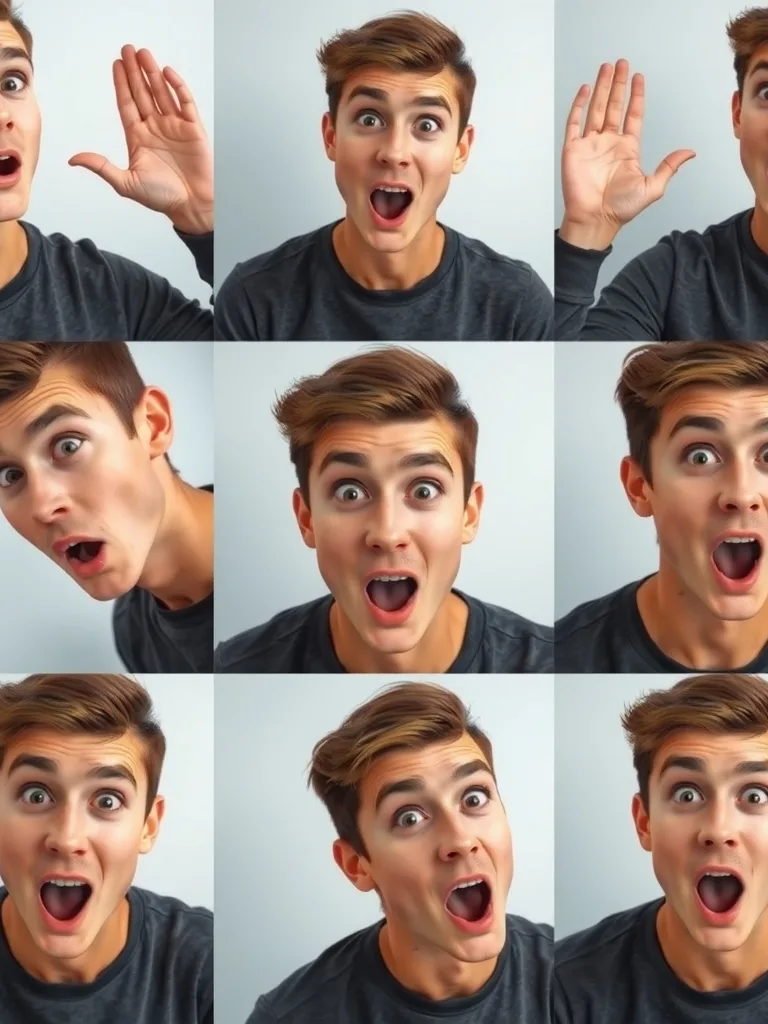 Sample
A 3x3 photo grid of the same young man with a playful surprised expression, each panel a different camera angle: high angle, low angle, eye level, dutch tilt, extreme close-up, over the shoulder, wide side view, three-qu
My Library
Sign in to keep your generations here
AI Image Generator — Text to Image
Turn a written prompt into a finished image in seconds. Images 2.5 puts the newest image models — GPT Image 2.5, Nano Banana, Seedream, Flux and Z-Image — behind one panel with up to 4K output, no watermarks and full commercial usage rights.
Pick your model
Every model shows its credit cost upfront — draft cheap, render the winner in high resolution.
| Model | Developer | Best for | Credits |
|---|---|---|---|
| Seedream 5 Lite | ByteDance | Cleaner composition, strong style consistency | 6 |
| Seedream 4.5 | ByteDance | Proven flagship quality and text rendering | 7 |
| Z-Image | Alibaba | Fastest and cheapest — great for volume | 1 |
| Nano Banana 2 | Follows briefs precisely, up to 14 references | 5–11 | |
| Nano Banana Pro | Max fidelity for hero shots | 11–15 | |
| GPT Image 2.5 | OpenAI | Best instruction precision and typography | 4–10 |
| Flux 2 Pro | BFL | Photoreal detail leader | 6 |
Describe the image
Write a plain sentence — subject, setting, style, lighting. Or open the prompts library and adapt a curated prompt that already works.
Pick a model and settings
Choose a model from the list — the panel shows credit cost, ETA and strengths. Set aspect ratio and resolution, then hit generate.
Download or iterate
Results land in your library in full resolution. Reuse the exact settings with one click, or send the image to image-to-image for edits.
Frequently asked questions
What is a text-to-image AI generator?
It turns a written description into a finished image. Images 2.5 gives you one panel with the newest models — GPT Image, Nano Banana, Seedream, Flux and Z-Image — so you can compare results without juggling apps.
Is it free to try?
Yes — your first image is free with no account and no credit card. Signing up adds 100 starter credits plus a daily check-in reward.
Can I use the images commercially?
Yes — images you generate are yours to use in personal and commercial projects, and downloads are watermark-free on every plan.
How much does each image cost?
Between 1 and 15 credits depending on the model and resolution — the exact cost is shown before you generate, and failed runs refund automatically.
Which model should I pick?
Z-Image for fast, cheap drafts; GPT Image 2.5 for text and precise briefs; Flux 2 Pro for photorealism; Seedream for stylized work. Generate the same prompt across two models to compare in seconds.
Do I need prompt-engineering skills?
No — a plain sentence works. For better results, mention subject, environment, style and lighting; the prompts library has proven examples you can copy.
Ready to create?
Your first image is free — describe it above and hit generate.
Creators use Images 2.5 for product shots, thumbnails, posters, concept art and social content.