AI Image to Video Generator
0 / 20000
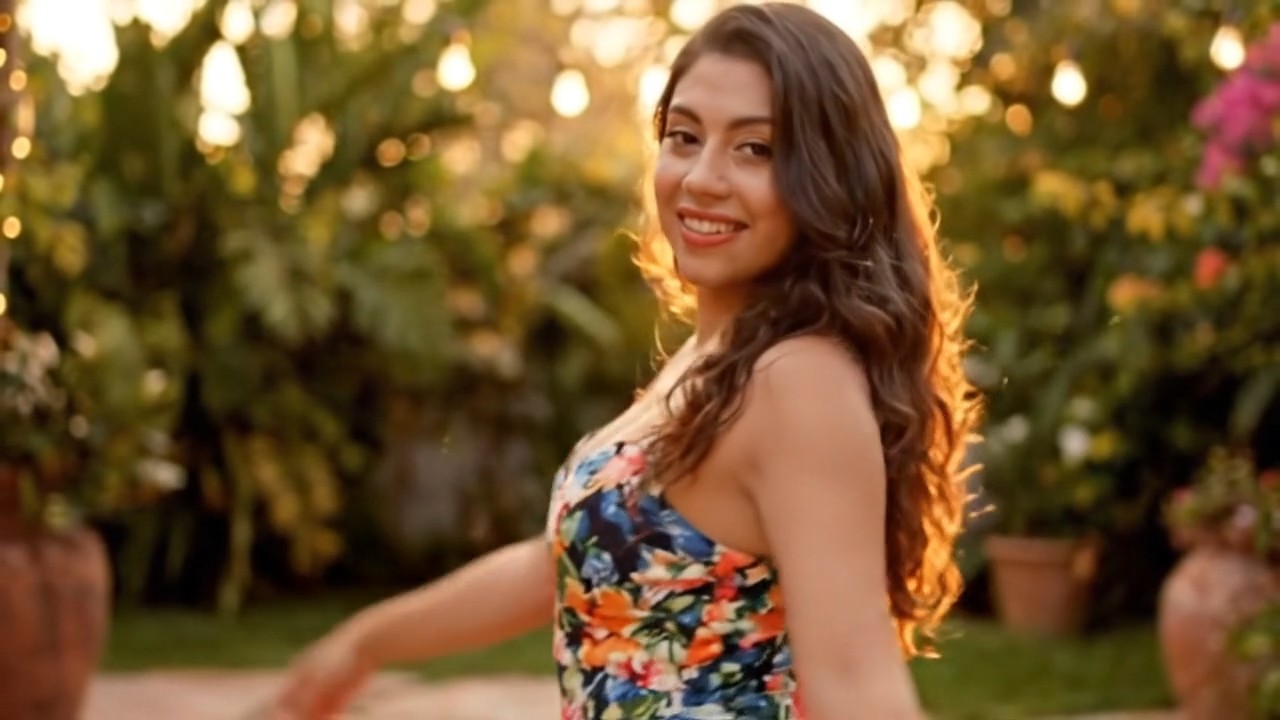
Generate a TikTok-style sway dance from the uploaded photo: the person lifts both arms behind the head and swings hips side-to-side in a smooth repeating loop, playful expression, ends with a flirty wink. No camera movement, warm soft lighting.
My Library
Sign in to keep your generations here
Tip: describe the subject, motion, and camera move — one clear action per clip. Draft at 480p first, then re-render the winner at a higher resolution.
AI Video Generator — Image to Video
Upload a still and turn it into a smooth video clip — camera moves, natural motion and synchronized audio from Veo, Kling, Seedance, Wan and HappyHorse, all in one panel.
Product spins & demos
Turn a flat product photo into a rotation, a feature close-up or a lifestyle scene — listing-ready motion without a shoot.
Portraits that talk
Animate a headshot with lip-synced narration for intros, tutorials and spokesperson clips.
Artwork in motion
Bring illustrations, key art and photographs to life with camera moves, parallax and ambient motion.
Animation models
Each model shows its credit cost before you generate.
| Model | Developer | Best for | Credits |
|---|---|---|---|
| Veo 3.1 | Cinematic motion with AI audio | 36–39 | |
| Kling 3.0 | Kuaishou | First/last-frame control, best human motion | 36–255 |
| Seedance 2.5 | ByteDance | Frame-precise animation + audio | 84–1425 |
| Wan 3.0 | Alibaba | Style-forward motion from stills | 20–300 |
| HappyHorse 1.0 | Alibaba | Animates stills and reference clips | 66–270 |
Upload a still
Any sharp image works — product shots, portraits, artwork or generated frames from the image tools.
Describe the motion
Say what moves and how the camera behaves — "slow push-in, steam rises, lights flicker". Pick a model and duration.
Export the clip
Preview the result in the stage, then download in your chosen resolution or iterate on the same frame.
Frequently asked questions
What is image-to-video AI?
It animates a still image into a video clip — the model infers motion, camera movement and physics from your instructions while preserving the look of the original frame.
Which model should I use?
Veo 3.1 for cinematic shots with audio, Kling 3.0 for people and first/last-frame control, Seedance for long or audio-synced clips, Wan for stylized motion, HappyHorse for reference-guided scenes.
Do animated videos include audio?
Several models generate synchronized audio — Veo 3.1 produces dialogue and ambience natively, and Seedance supports lip-synced speech for portraits.
What does a clip cost?
Credits scale with model, resolution and duration. The exact cost shows before you generate, and failed jobs refund automatically — draft at 480p to iterate cheaply.
Can I control the start and end frame?
Yes — Kling 3.0 supports first and last frame inputs, so you can anchor where the motion begins and ends.
Bring a still to life
Upload an image above — or generate the frame first with the image tools.