AI Image to Image Generator
0 / 5000
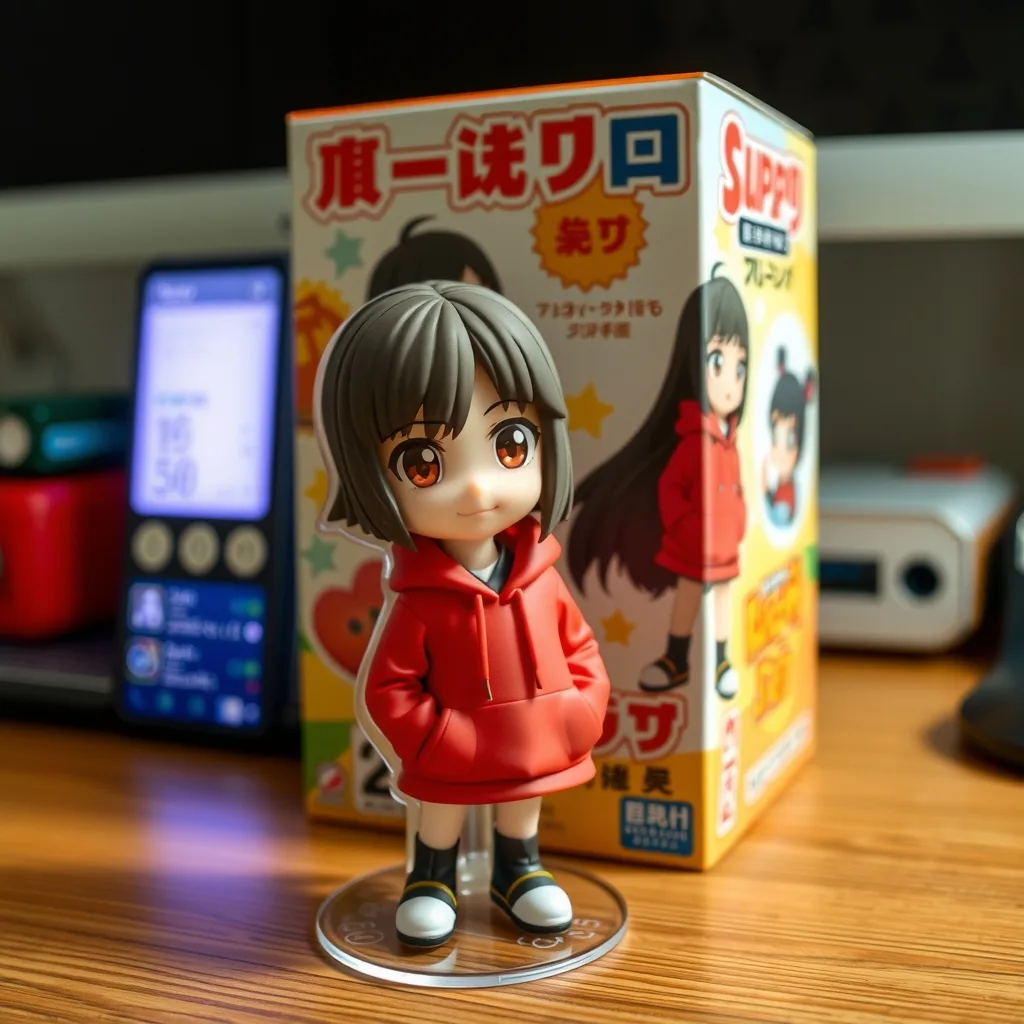 Sample
Turn this photo into a collectible figurine on a desk, with a printed toy box behind it showing the same character.
My Library
Sign in to keep your generations here
AI Image Editor — Image to Image
Upload an image and restyle, extend or transform it with the newest editing models — Seedream, Nano Banana, GPT Image and Flux. Keep your subject consistent while everything around it changes.
Restyle & reimagine
Turn a photo into oil paint, anime, clay or cyberpunk while keeping the subject and composition intact.
Background swaps
Replace cluttered backgrounds with studio white, lifestyle scenes or seasonal settings — lighting matched automatically.
Extend & combine
Outpaint beyond the frame, merge reference photos, or drop a product into a generated scene with consistent light.
Editing models
Each model shows its credit cost and reference limit before you generate.
| Model | Developer | Best for | Credits |
|---|---|---|---|
| Seedream 5 Lite | ByteDance | Strong identity preservation, up to 14 refs | 6 |
| Seedream 4.5 | ByteDance | Multi-reference remix, clean text | 7 |
| Nano Banana | Surgical edits, up to 10 refs | 3 | |
| GPT Image 2 | OpenAI | Complex edit chains, up to 16 refs | 4–10 |
| Flux 2 Pro | BFL | High-fidelity edits, up to 8 refs | 6 |
Upload your image
Drag in a JPG, PNG or WebP — product shots, portraits, artwork or screenshots. Add extra references when the model supports them.
Describe the change
Say what to alter — "swap the background for a sunlit cafe", "make it watercolor", "remove the text". Pick a model and generate.
Refine or export
Compare outputs, run another edit round on the result, or download the final image in full resolution.
Frequently asked questions
What is image-to-image AI?
It transforms an existing image using your instructions — restyling, swapping backgrounds, extending the frame or combining references — rather than generating from scratch.
How many reference images can I upload?
Depends on the model — GPT Image 2 accepts up to 16, Seedream up to 14, Nano Banana up to 10 and Flux up to 8. The panel shows the limit for whichever model you pick.
Will it keep my subject consistent?
Yes — identity preservation is what these models are built for. Seedream 5 Lite and Nano Banana are especially strong at keeping faces and products recognizable across edits.
Can I use the edits commercially?
Yes — outputs are yours to use in personal and commercial projects. Make sure you hold usage rights for the source images you upload.
What does an edit cost?
Between 3 and 15 credits depending on the model and output resolution. The exact cost is shown before you generate, and failed jobs refund automatically.
Ready to transform an image?
Upload a photo above and describe the change — your first image is free.